Linkedin is 💩. Here's how to fix it
LinkedIn is the uncanny valley of social networks. It’s where professional identity goes to die under a pile of AI-generated claptrap, recruiter spam, and performative self-promotion. A few of the usual suspects:
- ChatGPT-slop posts padded with emojis
- Aggressive data-sharing with vendors and recruiters
- Bot activity that makes Twitter look artisanal
- A feed that’s 99% ads—some paid, the rest disguised as (cringey) "personal branding”
- An addictive loop built on the worst instincts of social networks
- A signal-to-noise ratio approaching zero
If you’re not selling something—your labor or a product—LinkedIn is mostly a tax on your attention.
Here's how to rebuild it into something useful.
Step 1: Turn off the dopamine faucet
Disable every notification except messages and connection requests here. You won’t miss anything.
The platform is designed to interrupt you. Every notification is a bid for your attention, converting your time into Microsoft's ad revenue. It is an extraction mechanism, not a utility.
And seriously, delete the mobile app. You do not need professional networking push notifications on a Sunday morning.
Step 2: Install SocialFocus
This is the real unlock. The SocialFocus browser extension lets you reshape LinkedIn into a tool instead of a trap. The game changers:
- Grey mode: Strip color from the interface. Most “engagement” evaporates when the UI stops shouting at you.
- Hide the home feed: The feed contains almost no information you actually need, but it is optimized to grab your attention.
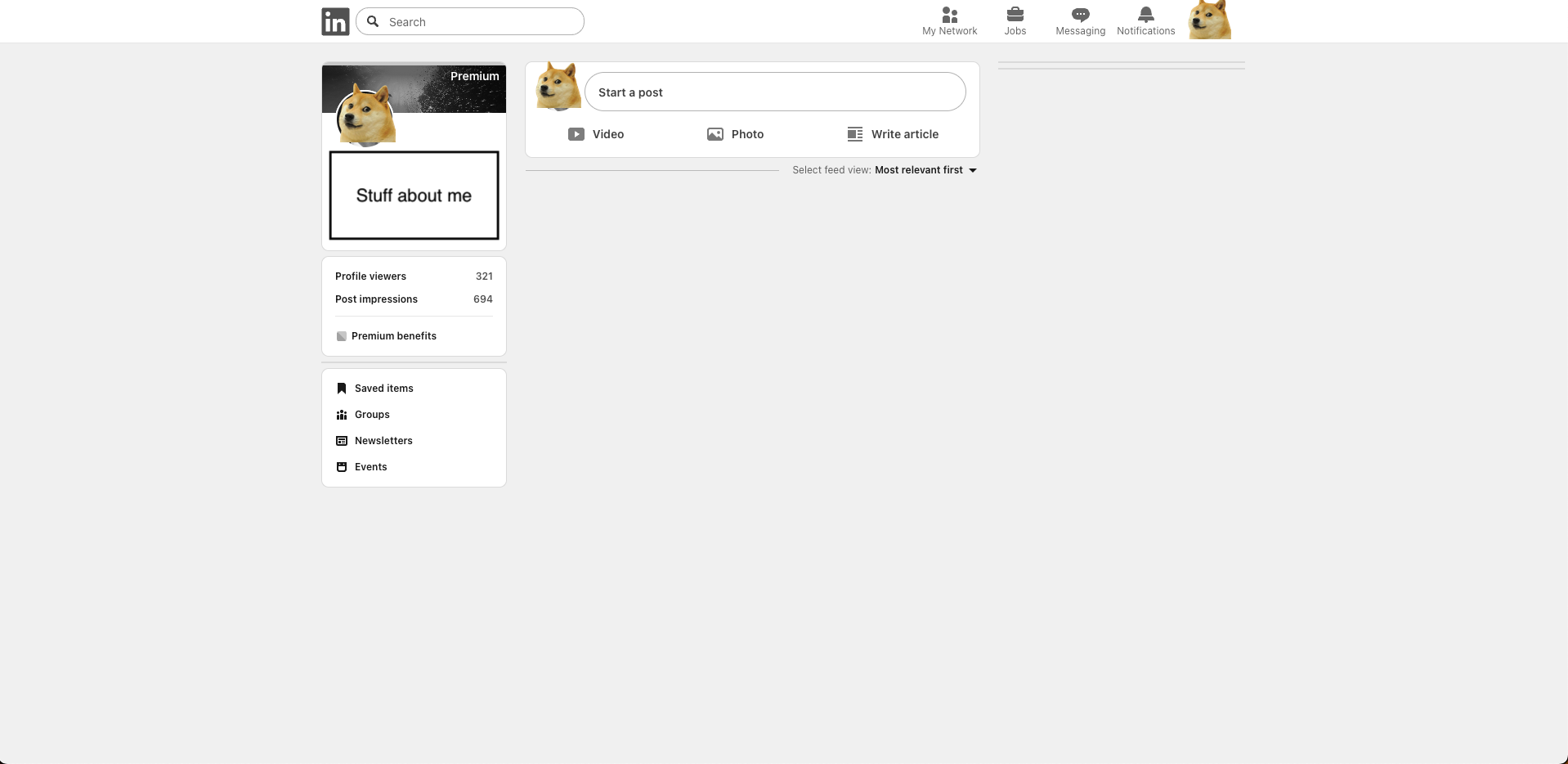
I also turned off promoted posts, premium upsells, sidebar clutter, and a dozen other micro-distractions. The result is a quiet, almost useful product; something closer to an address book than a casino.
Try for yourself. The goal isn’t to optimize LinkedIn. It’s to neuter it enough that it stops optimizing you.
Here's what a my home looks like. Pretty neat innit ? I can still post, visit links, and do all the useful stuff.
A note on data hygiene
LinkedIn’s business model is advertising. By default, the platform maximizes the surface area of your data available to third-party vendors and advertisers.
You should aggressively reduce this exposure.
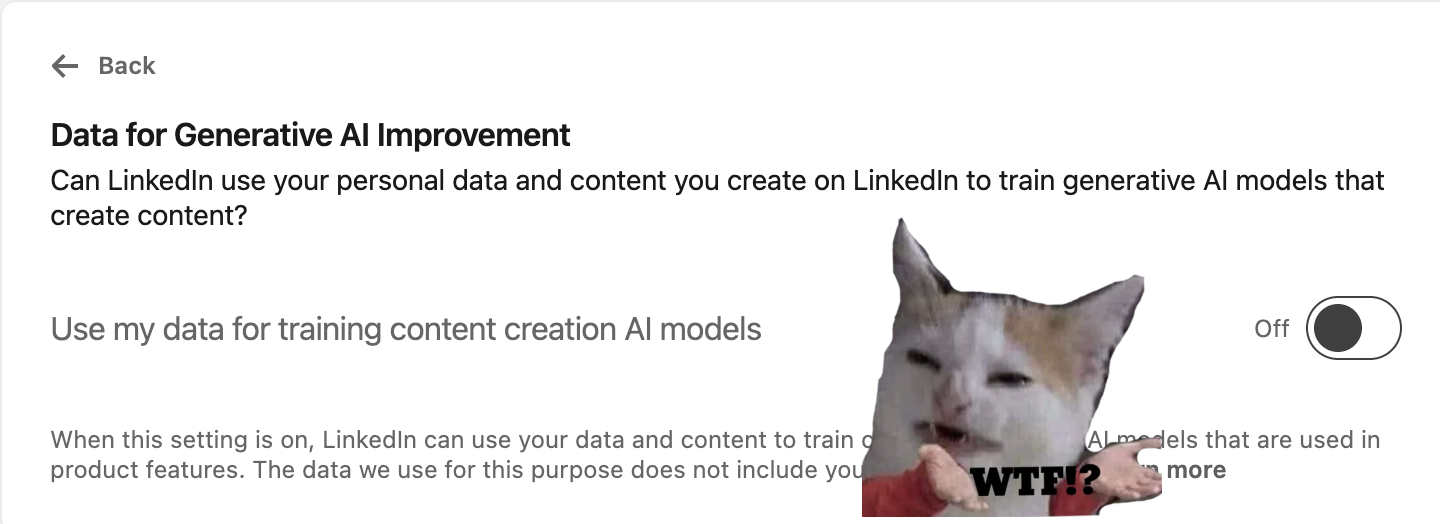
- Your data privacy dashboard.** Audit who gets access to your data. Did you know that LinkedIn uses your data for LLM training by default ? Disable here.
- Your advertising data settings. This is where your data is packaged for sale.
The optimal strategy is simple: toggle every setting to "Off" or "No." Treat your professional data as a liability, not an asset.